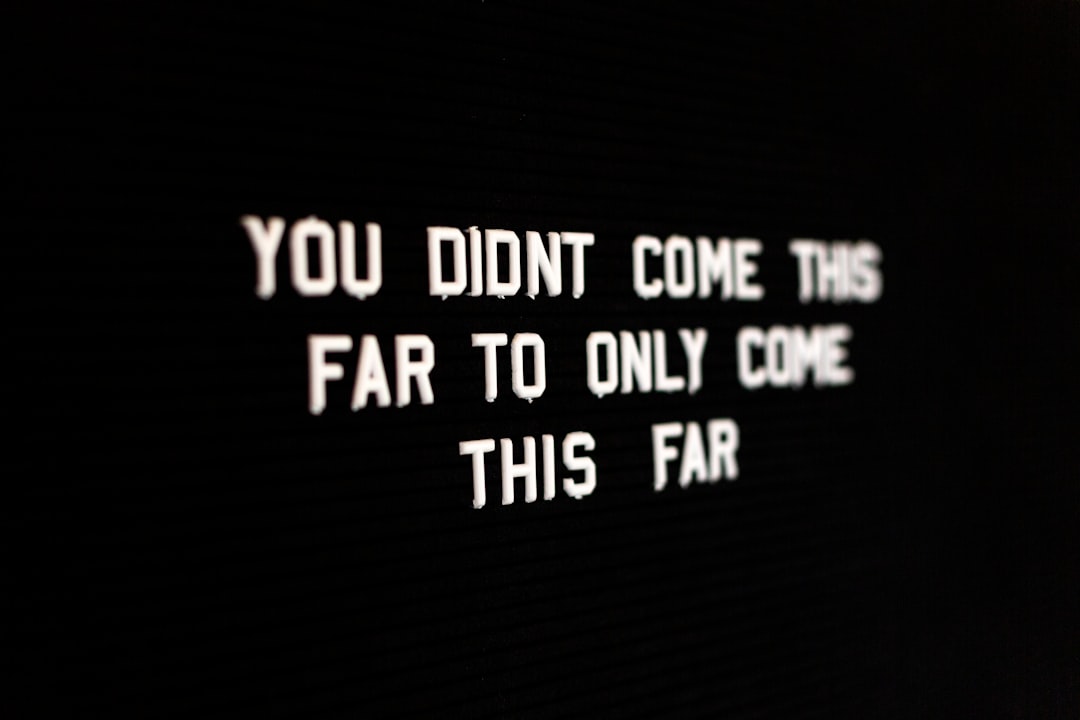
A well-formatted quotation should be easy to read, easy to verify, and clear about who said it. This practical checklist explains how to prepare quotes for Instagram posts, carousels, captions, newsletters, and short-form video, with reusable templates for line breaks, credits, image text, and accessible descriptions.
Overview
Quote posts look simple, but a few editorial decisions affect whether they feel trustworthy and usable. You need to preserve the speaker’s meaning, keep the design readable, place the attribution where it will be seen, and make the post understandable to people who cannot view the image or hear the audio.
Start with the original wording and a reliable record of where it came from. A quote copied from a quote collection may be shortened, paraphrased, mistranscribed, or attributed to the wrong person. If you are uncertain, do not present the wording as a verified direct quotation. For a fuller verification process, see How to Verify and Attribute Quotes.
Next, match the quote to its publishing format. A short quote may work as a single image, while a longer passage is usually clearer as a carousel, caption, newsletter block, or spoken script. The goal is not to force every quotation into the same graphic. The goal is to preserve its meaning while giving readers enough visual space to understand it.
| Quote format | Best use | Formatting guidance |
|---|---|---|
| Short quote | Single image, story, or video opening | Use generous spacing and a visible credit line. |
| Medium quote | Carousel slide, newsletter, or caption | Break at natural pauses rather than arbitrary word counts. |
| Long passage | Carousel sequence, article, or voiceover | Show the full context or clearly mark any omission. |
| Paraphrase | Caption or explanatory post | Do not use quotation marks unless the wording is exact. |
Checklist by scenario
Instagram posts and quote graphics
- Choose a readable amount of text. If the quote fills the entire graphic, reduce the wording, use a carousel, or move supporting context into the caption.
- Use line breaks for meaning. Break after a complete thought, phrase, or natural pause. Avoid splitting a person’s name, a key phrase, or a sentence between slides without a clear reason.
- Separate the quote from the credit. Place the speaker’s name below the quotation in a smaller but still legible style. A credit should not be so small that it disappears on a phone.
- Add context in the caption. Explain why the quote matters, identify the source when available, and invite a relevant response rather than repeating the graphic word for word.
- Write alternative text. Describe the quotation, its speaker, and any important visual information. Do not simply write “quote graphic.”
Carousel posts
Use the first slide to introduce the idea, then divide the quotation into logical sections. Keep the quote itself consistent across slides: use the same typeface, quotation-mark style, and speaker credit. If a passage is too long to display comfortably, summarize the surrounding context in the caption instead of shrinking the text.
A useful sequence is:
- Opening slide: the topic or a brief invitation to read.
- Quote slides: one complete thought per slide where possible.
- Context slide: source, date, work, or situation if relevant.
- Closing slide: a question, prompt, or clear next step.
Captions and newsletters
In a caption or newsletter, quotation marks can make the boundary between your words and the quoted words clear. Introduce the quotation when context helps: “In a reflection on patience, the author writes:” Then set the quotation apart with paragraph breaks. Afterward, explain the connection to your audience in your own words.
Before publishing, use the platform’s current character counter or editor preview. Limits and display behavior can change, and visible text may be shortened differently on mobile devices. If the caption is close to a limit, remove repetition rather than cutting the quote mid-sentence.
Short-form video
For spoken quotes, place the wording in the script, on-screen text, and captions when practical. Keep on-screen lines short enough to follow while the speaker is talking. The spoken version, subtitle version, and written caption should agree; if you edit for time, make the alteration clear rather than presenting a partial sentence as the complete quote.
Use a simple structure: introduce the speaker, read the quote, then provide the source or interpretation. If the quote is unfamiliar, a brief context sentence can prevent viewers from treating it as a universal claim.
| Element | Recommended practice | Check before publishing |
|---|---|---|
| Line breaks | Follow syntax and meaning; use whitespace to support scanning. | Does each line remain clear when viewed on a small screen? |
| Attribution | Use the speaker’s name and source when known. | Is the credit visible, accurate, and not confused with the quote? |
| Ellipses | Use them only to mark omitted material. | Could the omission change the meaning? |
| Brackets | Use brackets for necessary editorial additions or changes. | Have you distinguished your insertion from the original wording? |
| Image text | Use strong contrast, adequate size, and uncluttered placement. | Can the text be read without zooming? |
| Alt text | Describe the quote and its purpose, not only the design. | Would a non-visual reader receive the essential information? |
Reusable templates
Quote-card template:
“[Exact quotation.]”
— [Speaker], [work or source if known]
Caption template:
“[Exact quotation.]” — [Speaker]
[One or two sentences explaining the context or why the quotation is relevant.]
Source: [publication, speech, interview, or link when available].
Paraphrase template:
[Speaker] argues that [accurate paraphrase]. In other words, [your interpretation].
Video template:
“Here is a line from [speaker or work]: [quotation].”
On-screen credit: [speaker].
Caption source: [source or verification note].
What to double-check
Accuracy and attribution
Check the exact wording, spelling of the speaker’s name, punctuation, and source title. If a quotation has several circulating versions, retain the version you can support and identify the source. Do not attribute a saying to a famous person merely because it appears frequently beside that person’s name online. The guide Can I Use This Quote? can also help you think through permission and reuse questions.
Ellipses and brackets
An ellipsis signals that words have been left out. It should not hide a qualification that reverses the original meaning. Brackets signal an editorial change, such as adjusting a pronoun for grammar or adding a short clarification. When several edits are needed, quote less and provide context in your own words. For punctuation details, consult Quotation Marks Explained.
Accessibility and layout
Preview the design at the size most people will encounter it. Check contrast, line spacing, text placement, and whether decorative elements compete with the quote. Avoid relying on color alone to distinguish the quote from the credit. For an image containing important words, repeat the essential text in the caption or an accessible description.
Platform details
Platform limits, image ratios, caption behavior, subtitle tools, and accessibility features can change. Treat the publishing app as the final authority before a campaign goes live. Keep a small record of the current settings your team relies on, including caption length, image dimensions, and video text-safe areas, and verify them again when the platform updates its composer.
Common mistakes
- Using quotation marks around a paraphrase: Remove the marks or label the wording as a paraphrase.
- Making the credit microscopic: Attribution is part of the post, not a hidden footnote.
- Breaking lines for decoration alone: A dramatic line break can change emphasis or make a sentence difficult to follow.
- Cutting without marking an omission: Use an ellipsis where appropriate, or publish the complete sentence.
- Adding context that sounds like part of the quote: Keep your explanation in a separate paragraph, color, or typographic treatment.
- Writing generic alt text: “Inspirational quote” does not communicate the words, speaker, or purpose of the image.
- Ignoring the caption after designing the image: The caption can supply source details, context, and a readable text alternative.
- Assuming a viral quote is verified: Frequent repetition is not evidence of authorship.
When to revisit
Use this checklist before every quote campaign, especially when preparing seasonal content, birthday quotes, friendship messages, motivational posts, or a new series of quote graphics. Revisit the workflow at least annually and whenever a platform changes its composer, caption behavior, media dimensions, accessibility controls, or text display.
A practical final review takes five passes:
- Meaning: Is the quotation exact, complete enough, and appropriate for the surrounding message?
- Credit: Can readers identify the speaker and source without searching through the post?
- Design: Are line breaks, contrast, spacing, and type size comfortable on a phone?
- Access: Does the caption, alt text, transcript, or subtitle provide the essential information in another form?
- Platform: Have you checked the current publishing limits and previewed the final version in the native app?
Save approved quote text, source notes, credit lines, and accessibility descriptions in your quote bank. That makes future repurposing faster without sacrificing accuracy. When a quotation needs a different shape, remember that line breaks are editorial choices: they should clarify the message, not merely fill a design. For related guidance, see How to Build a Reusable Quote Bank and How to Choose a Quote for a Presentation, Essay, or Speech.